
Winter Guard Open House, Tuesday, Nov. 16Archived
The Penn Winter Guard Open House will be from 6-8 p.m. on Tuesday, Nov. 16, in the Auxiliary Gym.
The Open House is for all 4th – 12th grade P-H-M students.
Questions, contact Jen at (574) 903-9200 for more information about Winter Guard.
Penn Robotics October & November WorkshopsArchived
Penn High School Robotics Team 135 is pleased to once again offering Next Gen Camps this Fall to inspire elementary and middle school students pursue Robotics. The dates are October 29th & 30th, as well as three dates in November: Nov. 13th, 26th, and 27th.
Click the images of the flyers below to enroll your student today.


High school/middle school choirs to perform free Viva Voce concert on Wednesday, Nov. 3Archived
The Penn High School choir and Discovery, Grissom and Schmucker Middle School choirs will perform a free Viva Voce concert at 7:30 p.m. on Wednesday, Nov. 3, in the Penn Center for the Performing Arts.
Penn's Viva Voce will perform 7 pieces together, including a medley from Nightmare Before Christmas. The middle school choirs will perform three songs together, and then all of the choirs will join together for the final two songs, one of which is entitled "Sisi Ni Moja" which translates to "We Are One."
“Fright Night” Orchestra to perform Oct. 28-29Archived
Penn High School presents the "Fright Night" Orchestra on Thursday, Oct. 28, and Friday, Oct. 29, in Penn's Center for the Performing Arts. The concert is scheduled to start at 7:30 p.m. each night. Cost is $5 a person.
The Fright Night Orchestra concert is a celebration of the Halloween spirit! Our five orchestras will perform fun and scary music to delight all of our big and little Ghouls and friends!
The playlist includes:
- Phantom of the Opera
- Ghostbusters
- Harry's Wondrous World – from Harry Potter and the Chamber of Secrets
- This is Halloween from Nightmare Before Christmas
- Cruella De Vil
- Danny Elfman Spooktacular (Corpse Bride, Dark Shadows, Beetlejuice)
- A Halloween Thriller
Kingsmen Boys Basketball League for Grades 2-8Archived
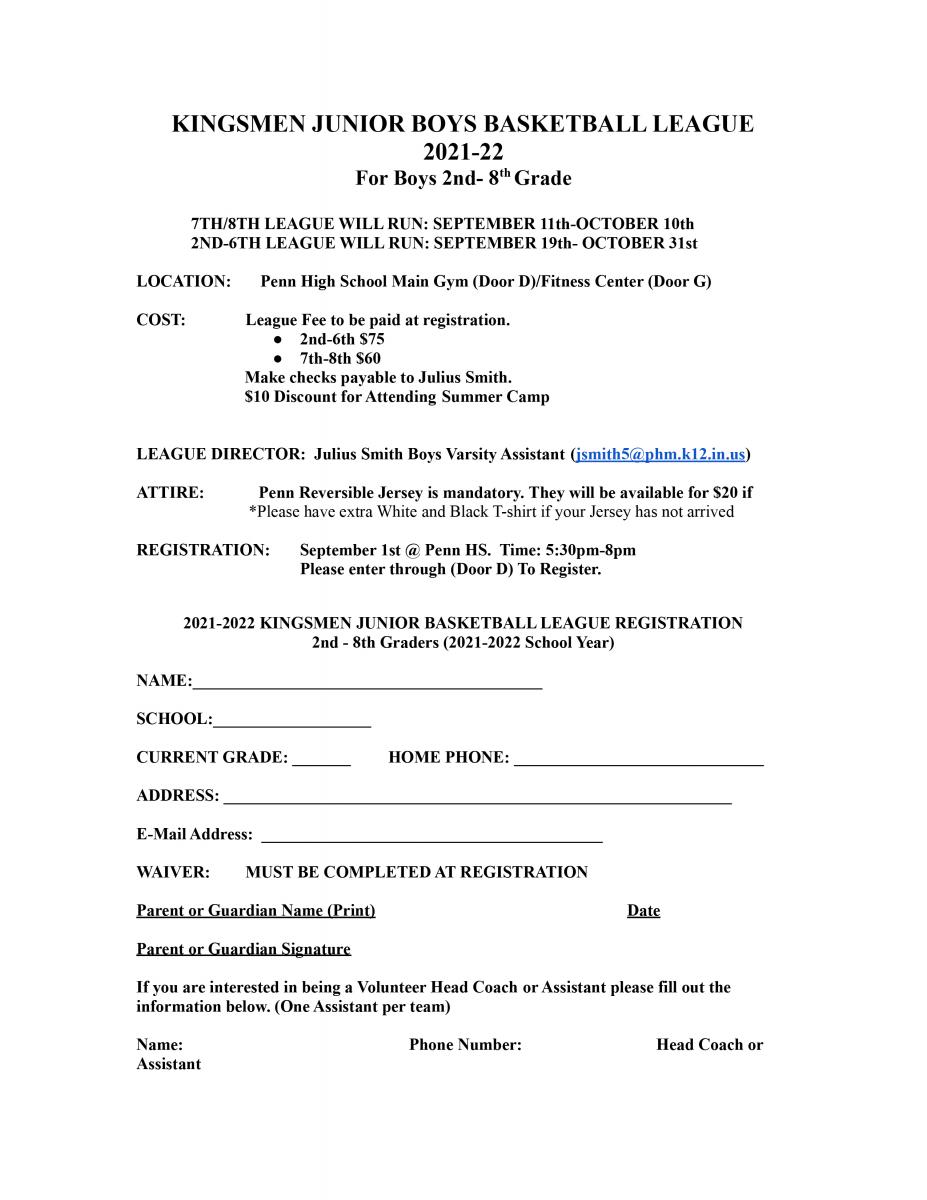
Registration for the Penn Boys Basketball League for students in Grades 2-8 will be held on Wednesday, Sept. 1, from 5:45-8 p.m..
When: Wednesday, Sept. 1, 5:45-8 p.m.
Where: Penn High School/ Enter through Door D
Price: $75 Grades 2-6 / $60 Grades 7 & 8th
Discount: $10 Discount for Summer Basketball Camp Attendees
Information: If you have any questions please contact Assistant Varsity Coach Julius Smith at jsmith5@phm.k12.in.us
Please read this flyer and bring it to registration if possible.
Penn Youth Girls Basketball League Grades 3-8Archived
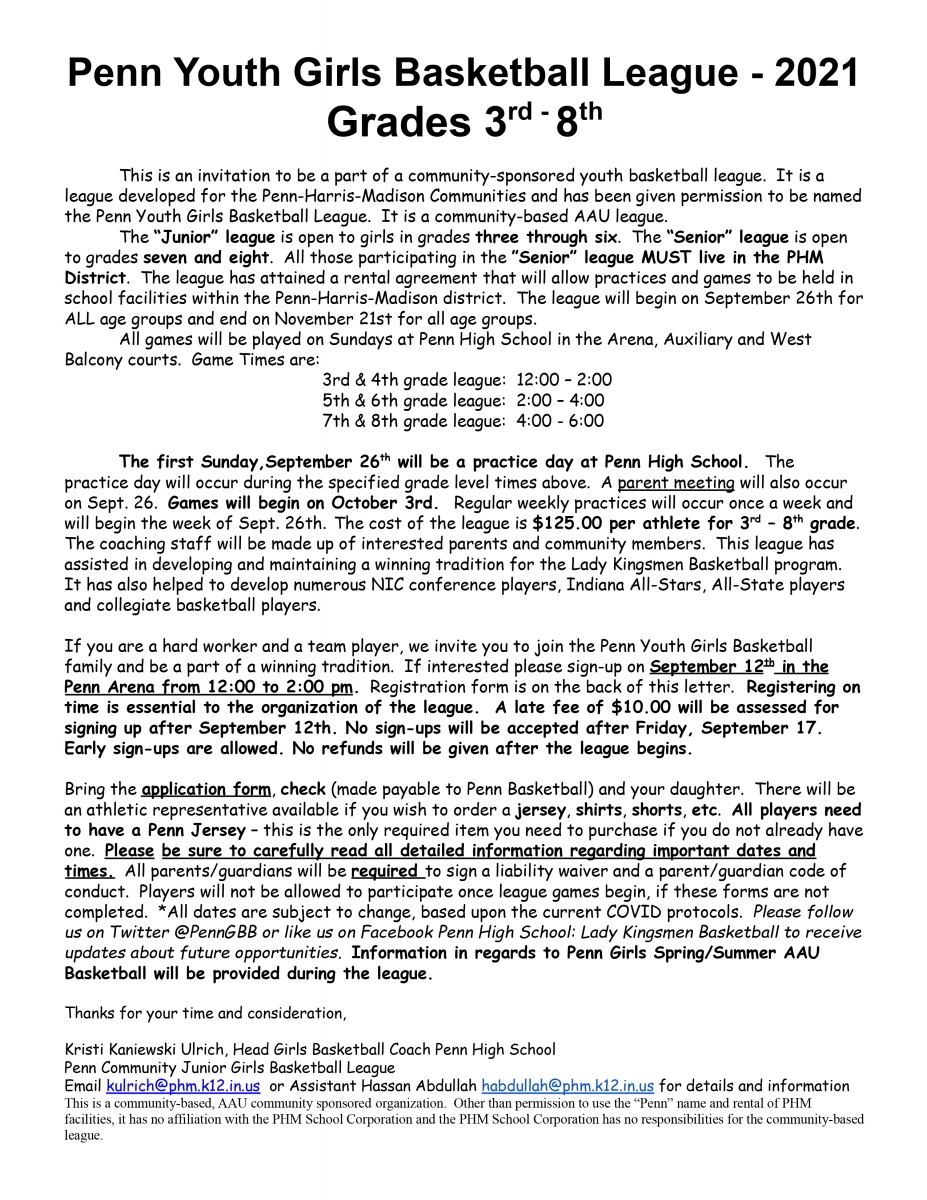
Registration for the Penn Youth Girls Basketball League for students in Grades 3-8 will be held on Sunday, Sept. 12, from 12:00-2 p.m..
When: Sunday, Sept. 12, 12:00-2 p.m.
Where: Penn High School/ Enter through Door D
Price: $125
Space is limited to the first 108 athletes per age group.
Please read this flyer thoroughly!
Grissom Memorial Celebration Brings Back Memories of Grissom Middle SchoolArchived
Space exploration has been inspiring the young and old for decades while contributing vital technological advancements to our society.
We continue to be proud that our school is named after true space pioneer Lieutenant Colonel Virgil Ivan "Gus" Grissom, the first person in history to go to space not once, but twice.
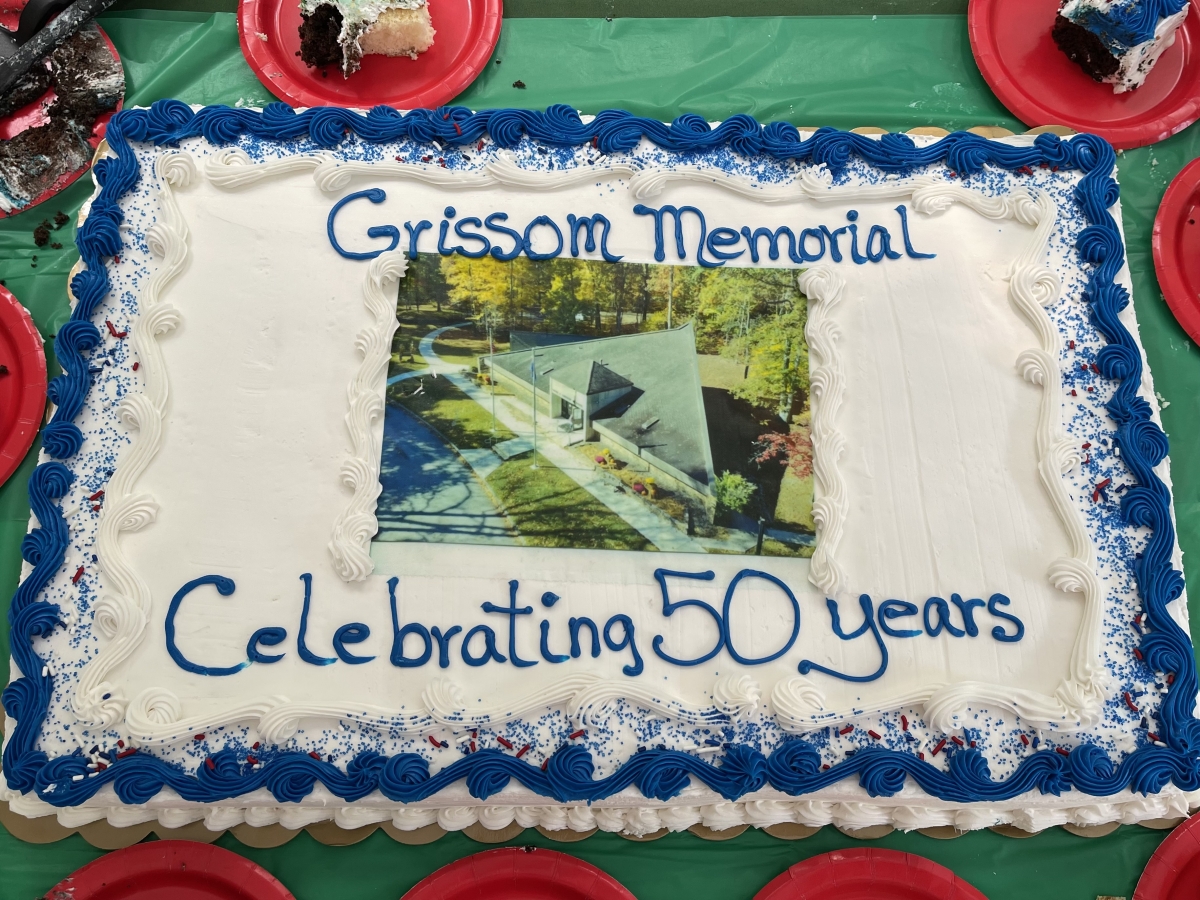
Penn High School resource teacher Amy Zimmer was recently at Spring Mill State Park in Mitchell, Indiana, and attended the Virgil I. "Gus" Grissom Memorial's 50th Anniversary Celebration on July 21, 2021.
Read more about the event here.
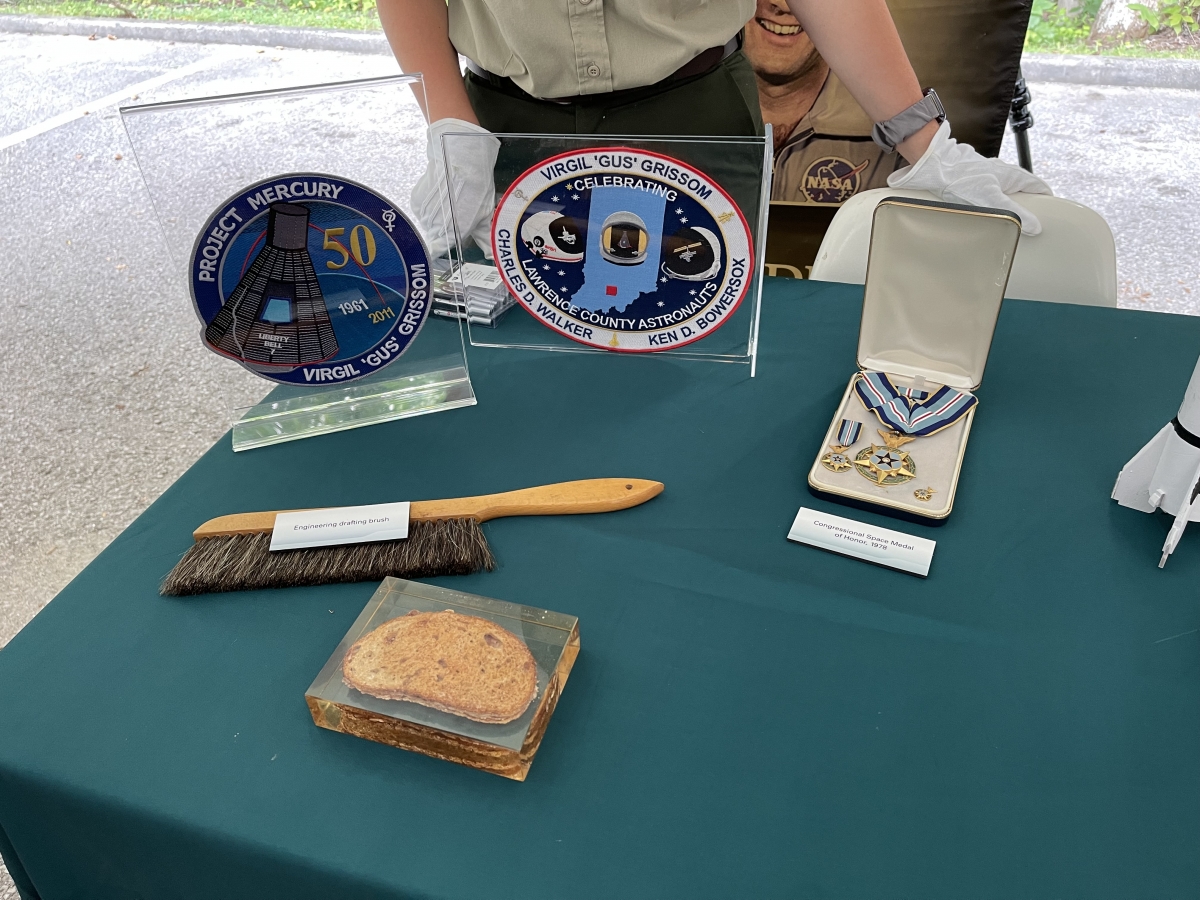
Lowell Grissom, Gus’s brother, shared special memories while giving a speech at the celebration. Lowell also shared artifacts that have never been on display before.
Amy had a chance to speak with Lowell and shared with him a picture of our very own school. Amy said “It brought a smile to his face and heartfelt joy to him.” Lowell went on to share that his brother Norman went to the dedication of GMS in 1968.
When it was time for Director of DNR and Interpretive Naturalist to speak, they mentioned GMS and stated that a photo of our school would be included in the time capsule, which will be buried in the near future!
The time capsule will be dug up and opened in 50 years or July 21, 2071. Along with the photo, handwritten postcards by Amy and other attendees were placed in the time capsule.
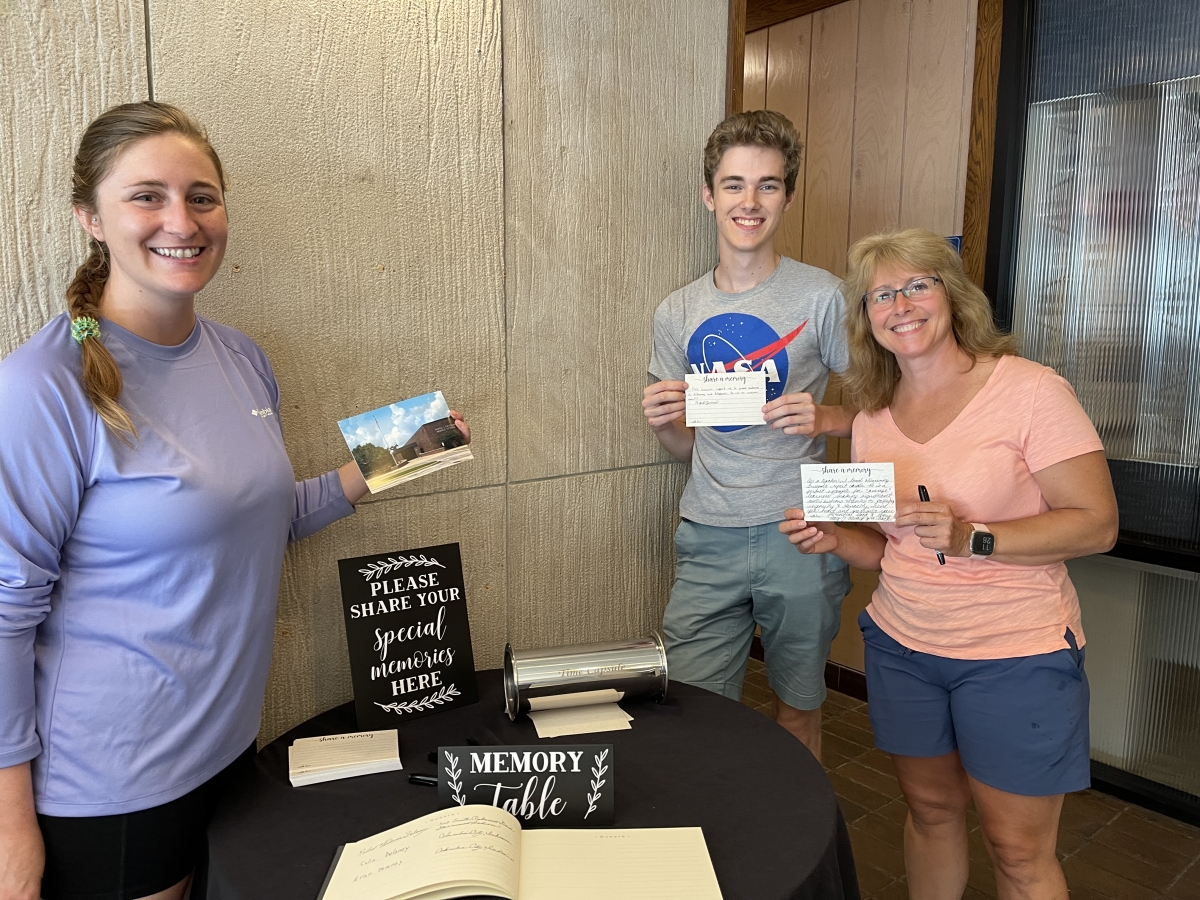
Caitlin Reeder, Noah Zimmer & Amy Zimmer With Handwritten Postcards for the Time Capsule
Amy had the tremendous opportunity to have a photo taken with Lowell Grissom in front of what he believes would be his brother's favorite artifact of the memorial – his "Molly Brown," or the Gemini III
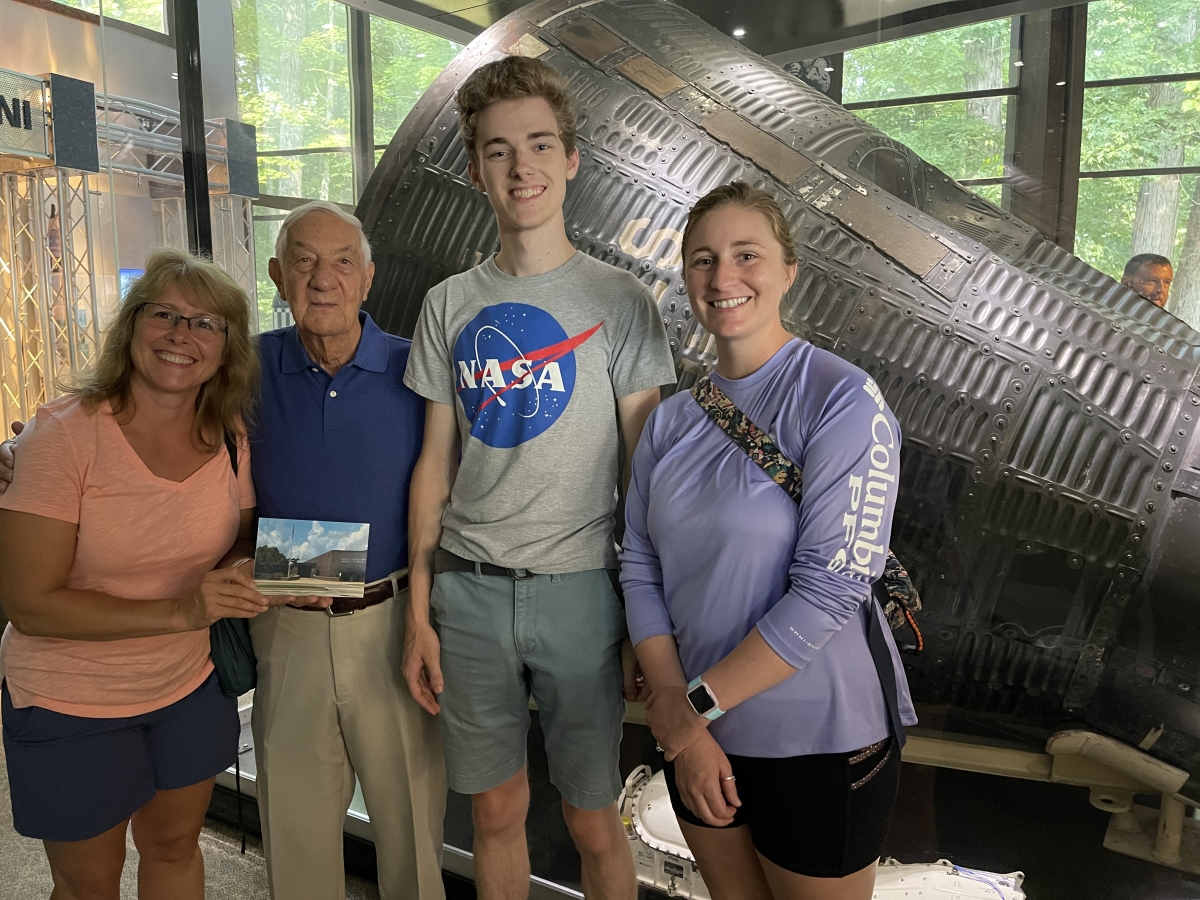
Amy Zimmer, Lowell Grissom, Noah Zimmer & Caitlin Reeder in front of the Gemini III
Also attending with Amy was Caitlin Reeder and Noah Zimmer.
Caitlin is a Penn High School graduate, GMS student (2004-2007), and P-H-M teacher (2019-present). As the P.A.S.S. teacher at Pennway, Caitlin services GMS students and collaborates with GMS staff. She remembers writing a report about Gus Grissom and visiting the DVT.
Noah Zimmer is a 2018 graduate and senior at Indiana University Bloomington majoring in Physics, Astronomy & Astrophysics and minoring in Mathematics. Noah aspires to work in the field of astronomy and astrophysics. He loves space so it was a real treat!
Lowell Grissom is also a Indiana University Bloomington graduate so it was an incredible opportunity for Noah and Lowell Grissom to share a laugh about him and Noah picking the "good school!"
Special thanks to the Indiana Department of Natural Resources for recording Lowell Grissom’s speech, you can watch that below:
Update on Community Information Sessions July, 23, 2021Archived
The message below was shared with P-H-M Families and Staff via email July 23rd, 2021.
P-H-M Administration has received a number of questions from families regarding Critical Race Theory (CRT), and if the ideologies/tenets are included in our Social Emotional Learning, and Diversity, Equity and Inclusion student lessons and staff training.
We recognize the need for our parents/guardians to understand our curriculum. So in an effort to help clear up any misinformation, we will be holding workshops for P-H-M families to explain our programs and goals.
P-H-M Administrators and parents/guardians will be discussing curriculum and we would like for our families to feel free to share their questions and concerns. Priority will be given to current P-H-M Families. If we’re oversubscribed, we will provide other opportunities to inform other members of the P-H-M community.
The workshop times are as follows:
- Monday, August 2nd @ 1:00 P.M.
- Tuesday, August 3rd @ 8:30 A.M.
- Tuesday, August 3rd @ 7:00 P.M.
We ask that people respectfully follow these registration guidelines:
- Only register to attend one session, not multiple ones.
- Each person planning to attend a workshop should each fill out a form.
- To allow us sufficient planning time, we will close the registration form on Wednesday, July 28th at 4:30p.m.
- You will receive an email regarding session assignments by Friday, July 30th.
- Click here to register.
The workshops will be held at Penn High School, PLEASE ENTER DOOR C. Please park in the front parking lot of Penn High School.
We approximate that these sessions will last about two (2) hours. All the material shared at the three workshops will be the same (these are not sequential meetings). The format of the sessions will be as follows:
- Doors open. Parents/guardians will check in and receive name tags with their assigned group number.
- Welcome and presentations by P-H-M Administrators: Superintendent, Asst. Superintendent for Instruction, Director of Social Emotional Learning, Director of Diversity Equity & Inclusion, Principals at the elementary, middle and high school levels.
- Break-out groups
- Break-out group protocols are as follows:
- Be respectful
- Take turns
- Be concise
- Listen
- Break-out group protocols are as follows:
Please register for a workshop time, at the link noted above, and provide us your questions about P-H-M’s SEL & DEI curriculum that you would like to learn more about.
We look forward to sharing this valuable and important information with our P-H-M families.
Dr. Jerry Thacker
Kingsmen Boys Basketball League for Grades 2-8Archived
Registration for the Penn Boys Basketball League for students in Grades 2-8 will be held on Wednesday, Sept. 1, from 5:45-8 p.m..
When: Wednesday, Sept. 1, 5:45-8 p.m.
Where: Penn High School/ Enter through Door D
Price: $75 Grades 2-6 / $60 Grades 7 & 8th
Discount: $10 Discount for Summer Basketball Camp Attendees
Information: If you have any questions please contact Assistant Varsity Coach Julius Smith at jsmith5@phm.k12.in.us
Return to In-Person Instruction – Summer 2021Archived
Penn-Harris-Madison continues to monitor the spread of COVID-19. With more than 13,000 students and employees, we all play an important role in minimizing the risk and impact on each other and our operations. The health and safety of students and staff is our top priority. As a result, P-H-M Schools will implement various measures to keep everyone as safe as possible.
Please click here to read an overview of the district’s plan for a safe and healthy learning environment for Summer 2021 In-Person Instruction.
Throughout Summer 2021, P-H-M will continue to track COVID cases of students and staff that are made known to district and school personnel. Click here to view the P-H-M Positive COVID Dashboard.
To read documents related to P-H-M’s Return to Learn Plan for the 2020-2021 school year, please click here.